Your Deliverables Page
Last updated: November 18, 2026
Find, view, and download the reports and documents the Holly team prepares for your agency, all in one place.
What Is the Deliverables Page?
When the Holly team completes professional services work for your agency, such as a compensation study, classification review, or audit, the finished files are shared on your Deliverables page. Everything lives in one secure place in Holly, so you don't have to search through email for the latest version.
The Deliverables page is available to agencies working with Holly on professional services. If you expect to see it and don't, reach out to support@hollygov.com.
How to View a Deliverable
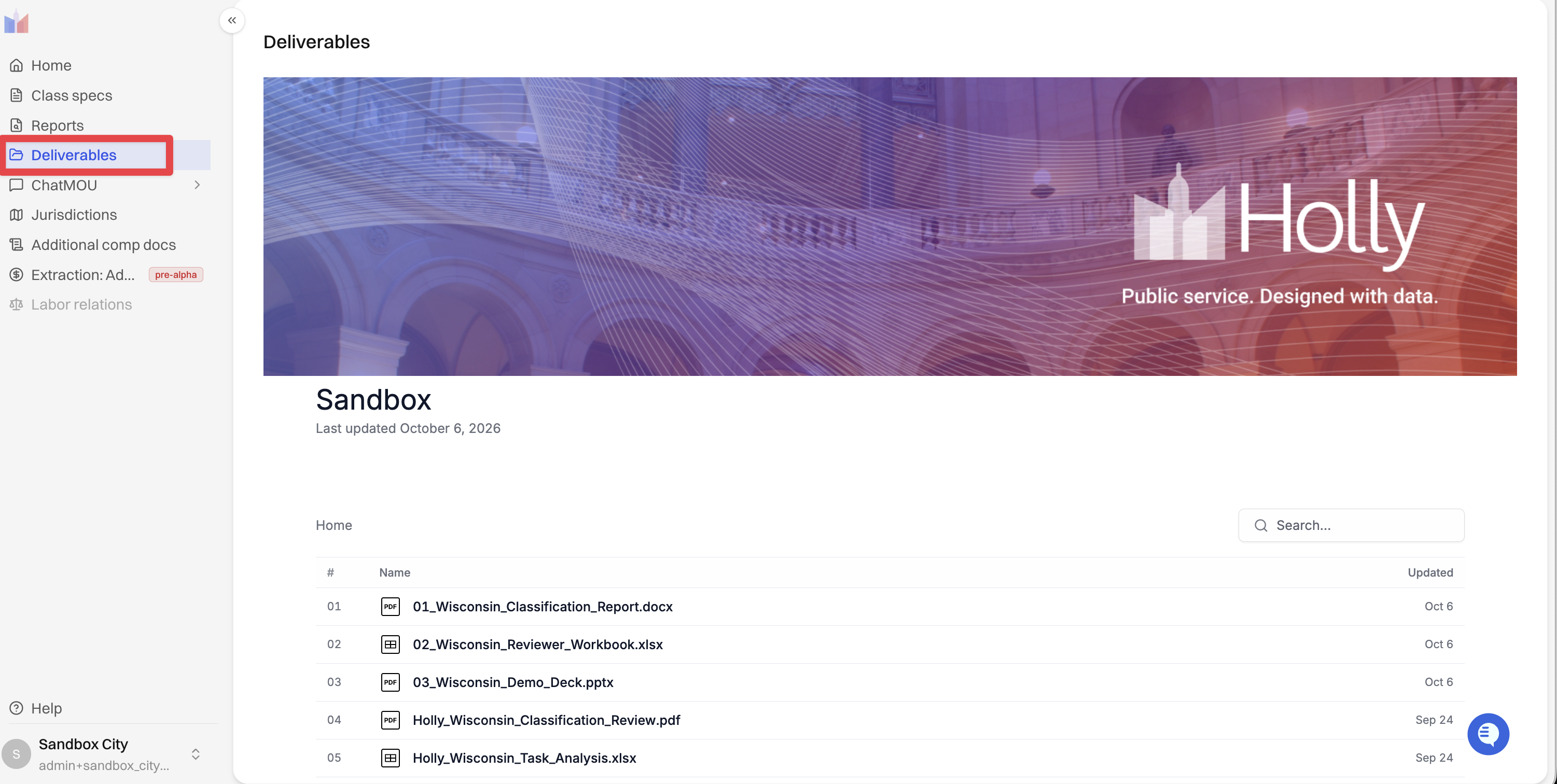
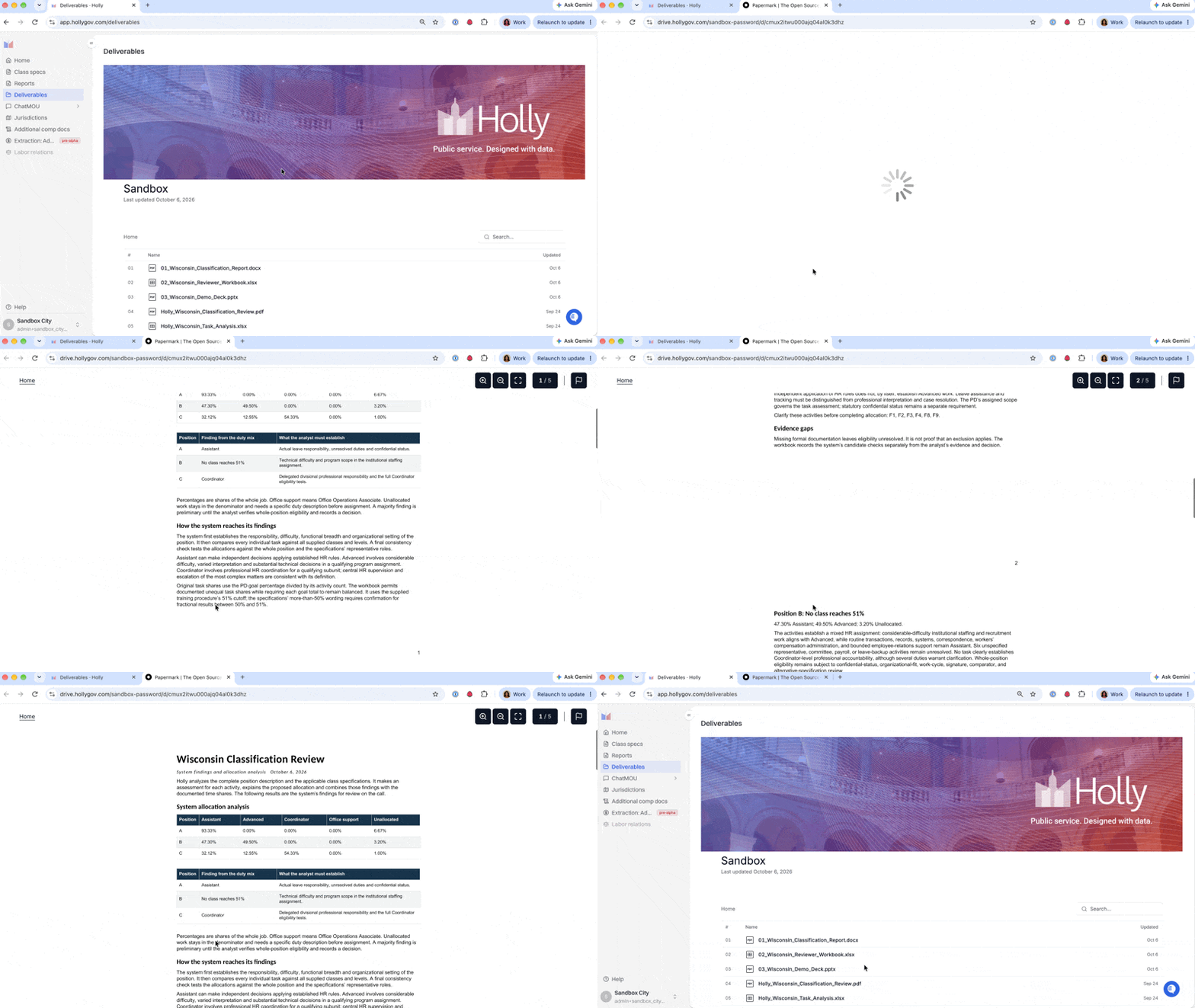
Click Deliverables in the left sidebar.
Find the file you need. Use the search box, or open a folder.
Click the file to open it in the document viewer.
Page through the document, or download a copy.
Good to Know
Files open on drive.hollygov.com. This is Holly's secure document viewer, so it's expected to see that address when you open a file.
New files can take a few minutes to appear. Large documents need time to process. If you're expecting a file and don't see it yet, refresh the page.
Next Steps
Questions about a deliverable? Reach out to your Holly contact or support@hollygov.com.